

 Send Inquiry



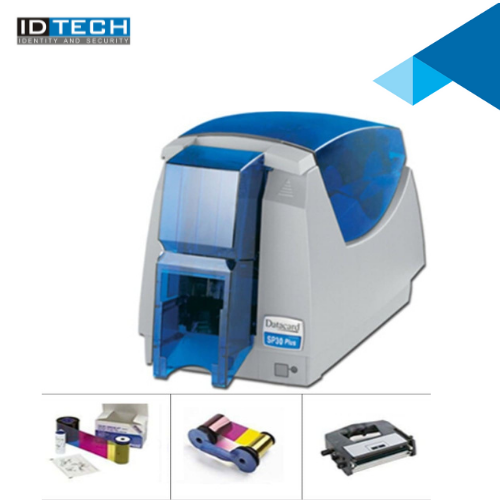
datacard printer sp30 plus driver
38000 INR/Piece
Product Details:
- Usage & Applications Employee ID, Visitor Pass, Membership Cards
- Weight 4.9 kg
- Power Supply Internal, Universal auto-switching
- Print Technology Direct-to-card dye-sublimation
- Processor Speed Embedded fast processor
- Humidity % 20% to 80% RH
- Features Edge-to-edge printing, USB connectivity, Compact design
- Click to View more
X
datacard printer sp30 plus driver Price And Quantity
- 1 Number
- 38000 INR/Piece
- Datacard proprietary
- Status LED indicators
- Printer lock, Secure USB connection
- Upgradeable via USB
- 100 cards
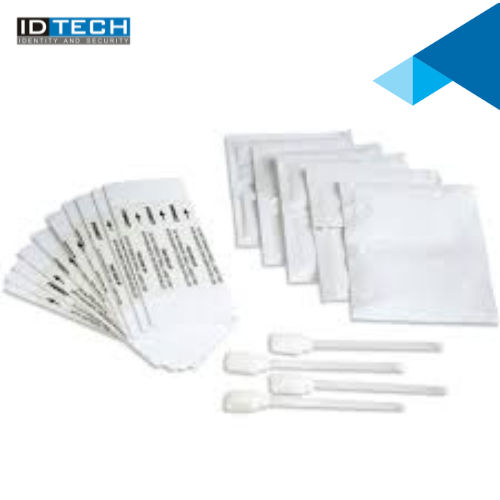
- Manual cleaning kit supplied
- 40 cards
- YMCKT, KO, Black, Custom ribbons
- 0.76 mm (standard)
- PVC, PET, ABS, Magnetic stripe cards
- Onsite and remote technical support
- Compliant with RoHS, WEEE regulations
- Windows XP/Vista/7/8/10
datacard printer sp30 plus driver Product Specifications
- Employee ID, Visitor Pass, Membership Cards
- ID card printing
- Monochrome: Up to 500 cards/hour
- Automatic
- 60 W
- 160 x 343 x 225 mm
- Internal, Universal auto-switching
- Direct-to-card dye-sublimation
- 4.9 kg
- 20% to 80% RH
- Edge-to-edge printing, USB connectivity, Compact design
- Embedded fast processor
- Full color: Up to 120 cards/hour
- 300 dpi
- USB 2.0
- Single-sided card printing
- ID Card size: CR-80 (85.6 x 54 mm)
- Low noise operation
- New
- 100-240V AC, 50/60Hz
- Card feeder: 100 cards
- 15C to 30C
- High-grade durable plastic
- Embedded processor
- Plastic
- Up to 120 cards/hour (color)
- Datacard proprietary
- Status LED indicators
- Printer lock, Secure USB connection
- Upgradeable via USB
- 100 cards
- Manual cleaning kit supplied
- 40 cards
- YMCKT, KO, Black, Custom ribbons
- 0.76 mm (standard)
- PVC, PET, ABS, Magnetic stripe cards
- Onsite and remote technical support
- Compliant with RoHS, WEEE regulations
- Windows XP/Vista/7/8/10
datacard printer sp30 plus driver Trade Information
- Cheque
- 2 Week
- Australia, North America, South America, Asia, Eastern Europe, Western Europe, Middle East, Africa, Central America
- All India
Product Description
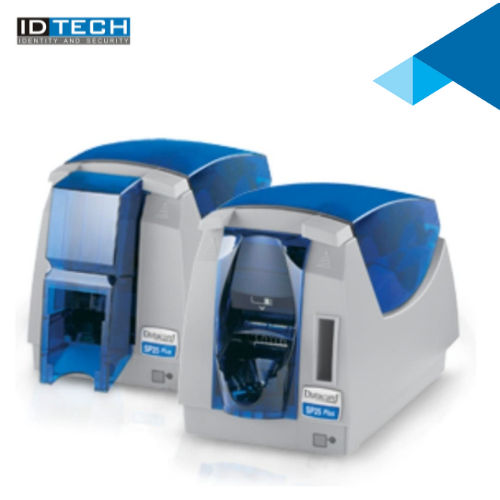
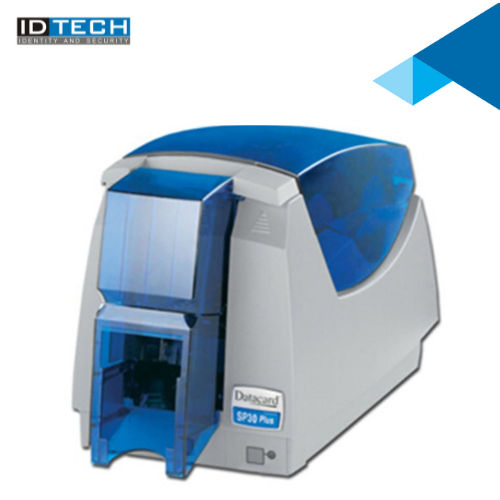
ID Tech Offers a sleek, compact design, Datacard SP30 Printer makes it easy to fit even in the smallest of office settings. Designed with efficiency in mind, the sp30 comes with built-in software, automatic printer health monitoring, diagnostic utility and an easy to install, all-in-one printer ribbon and card cleaning cartridge, making your in-house plastic ID card printing virtually worry-free.Effortless Card Printing and Management
The SP30 Plus driver streamlines ID card production, supporting single-sided, edge-to-edge printing and high-speed throughput. With compatibility for various ribbon types and card materials, it caters to employee IDs, visitor passes, and membership cards. The intuitive driver interface and status LED indicators allow smooth monitoring and management throughout the print process.
Reliable Compatibility Across Systems
Supporting Windows XP/Vista/7/8/10, installation and usage are straightforward. The driver seamlessly integrates with the printer's USB 2.0 connection and proprietary Datacard language, optimizing performance for dedicated card printing tasks. Firmware can be upgraded via USB, ensuring future-proofing and ease of maintenance.
Enhanced Security and Compliance
Benefit from robust security features, including a printer lock and secure USB connection. The printer and driver comply with environmental standards such as RoHS and WEEE, demonstrating a commitment to safety and sustainability. Onsite and remote support further ensure reliable ongoing use, reducing downtime and enhancing operational confidence.
FAQ's of datacard printer sp30 plus driver:
Q: How do I install the SP30 Plus driver on my Windows system?
A: To install the SP30 Plus driver, connect your printer via USB 2.0 to your Windows computer (XP/Vista/7/8/10 supported), and run the provided driver installation file. Follow the on-screen instructions and refer to the manual for detailed steps.Q: What types of cards can I use with the Datacard SP30 Plus?
A: You can use PVC, PET, ABS, and magnetic stripe cards with the SP30 Plus. The standard thickness is 0.76 mm, and the maximum size is CR-80 (85.6 x 54 mm), suitable for most ID, membership, and access cards.Q: When should I use the cleaning kit for the printer?
A: Manual cleaning should be performed regularly or when print quality diminishes. The supplied cleaning kit is designed for easy maintenance, helping extend the printer's life and ensuring optimal performance.Q: Where can I get technical support for the SP30 Plus driver?
A: Technical support is available both onsite and remotely. You can contact your reseller, manufacturer, or authorized Datacard service provider in India for assistance with installation, troubleshooting, or driver updates.Q: What is the process for upgrading the printer's firmware using the driver?
A: Firmware upgrades can be performed via USB connection. Download the firmware update from the official source, connect your printer, and follow the driver's instructions for a seamless and secure upgrade.Q: How does the driver enhance productivity in card issuance?
A: With its support for high print speeds (up to 120 cards/hour for color and 500 cards/hour in monochrome) and a 100-card input hopper, the driver ensures efficient card issuance for large batches, saving time and resources.Q: What benefits does the secure USB connection and printer lock provide?
A: Secure USB and printer lock features protect sensitive data and unauthorized card creation, ensuring compliance and safeguarding operations in workplaces and secure environments.Tell us about your requirement

Price:
Quantity
Select Unit
- 50
- 100
- 200
- 250
- 500
- 1000+
Additional detail
Mobile number
Email

Other Products in 'Card Printers' category
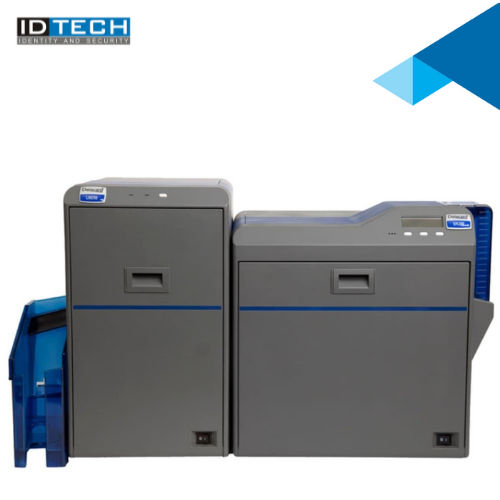
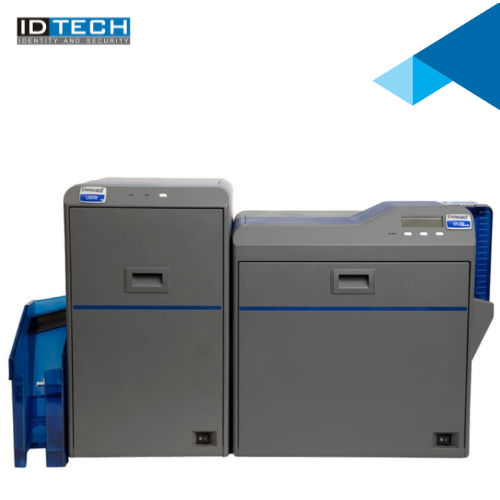
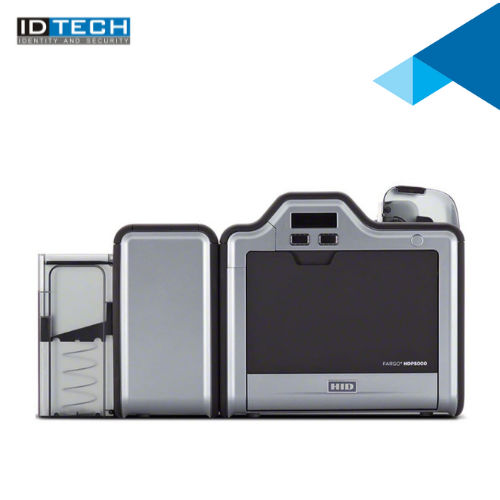

"We are accepting bulk order quantity only."
 Send Inquiry
 Send SMS
 Call Me Free
ID TECH SOLUTIONS PVT LTD
GST : 06AACCI5313D1Z4
GST : 06AACCI5313D1Z4

- Plot No. 610, Udyog Vihar, Phase V, Gurugram - 122016, Haryana, India
- Phone : 08045813073

- Mr Saurav Khemani (Managing Director)
- Mobile : 08045813073
- info@idsolutionsindia.com

|


ID TECH SOLUTIONS PVT. LTD.
All Rights Reserved.(Terms of Use)
Developed and Managed by Infocom Network Private Limited.
Developed and Managed by Infocom Network Private Limited.

